Field Operations
Guided Tour
You don't need an ERP for Field Operations, you need eBacon.
eBacon's Resource Tracking gives you one place to organize, monitor, and budget every physical resource your crews touch, instead of splitting that job across a whiteboard, three spreadsheets, and whatever your foreman remembers off the top of his head. Set up resource types once, then track quantities, usage, and location as work happens in the field, not two weeks later when it's basically archaeology.
Equipment | Materials | Inventory | Production

How it Works
- 1. Build >>>
- 2. Prepare >>>
- 3. Operate >>>
- 4. Review
Build your resource framework
-
Create resource categories
-
Add individual resources
-
Configure resource details and attributes
-
Customize categories to fit business needs
Get resources ready to use
-
Configure inventory settings (if applicable)
-
Establish inventory locations
-
Set resource budgets by job
-
Prepare resources for daily operations
Track day-to-day resource activity
-
Receive inventory
-
Record resource utilization
-
Transfer resources between locations
-
Assign resources to jobs, employees, or inventory locations
Analyze resource performance
-
Review inventory levels
-
Analyze resource utilization
-
Compare usage against budgets
-
Identify trends and resources needs
eBacon's resource budgeting automatically tracks utilization per project, so production usage costs stay visible and margins don't quietly erode before anyone notices.

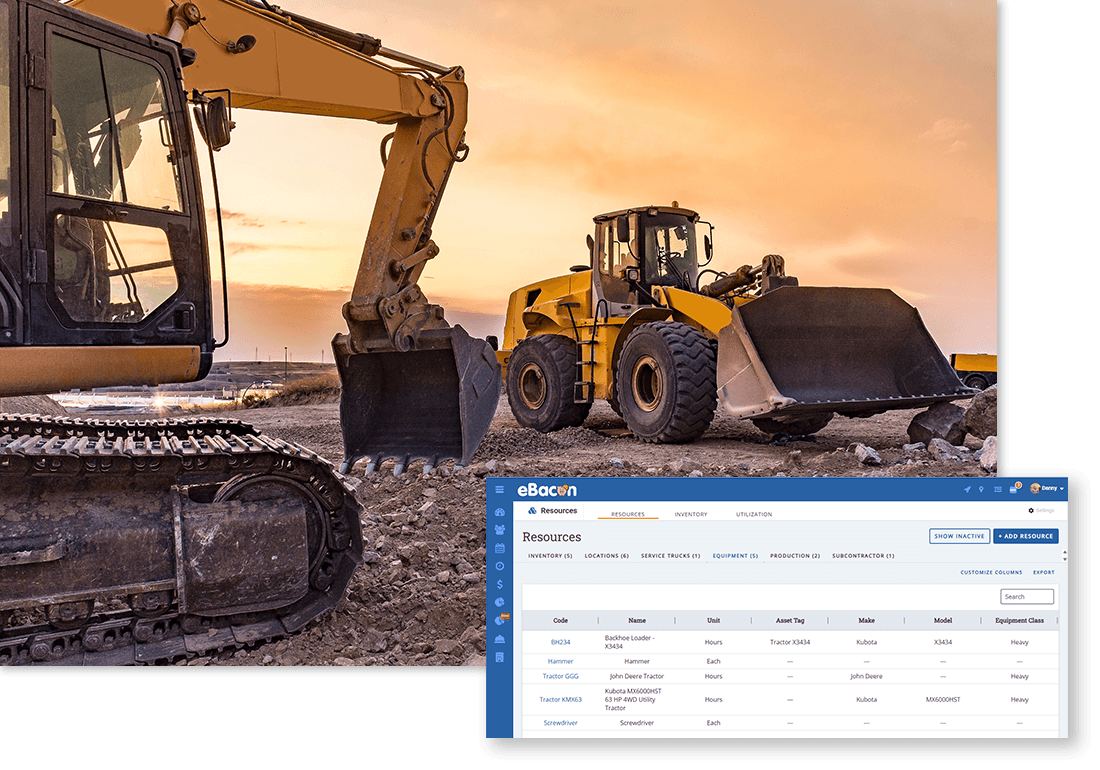
Equipment
Organized and categorize equipment for to know condition, location and current status.
+ Track current location (jobsite, yard, other).
+ Scheduled maintenance records, inspections.
+ Monitor production clock hours of usage.
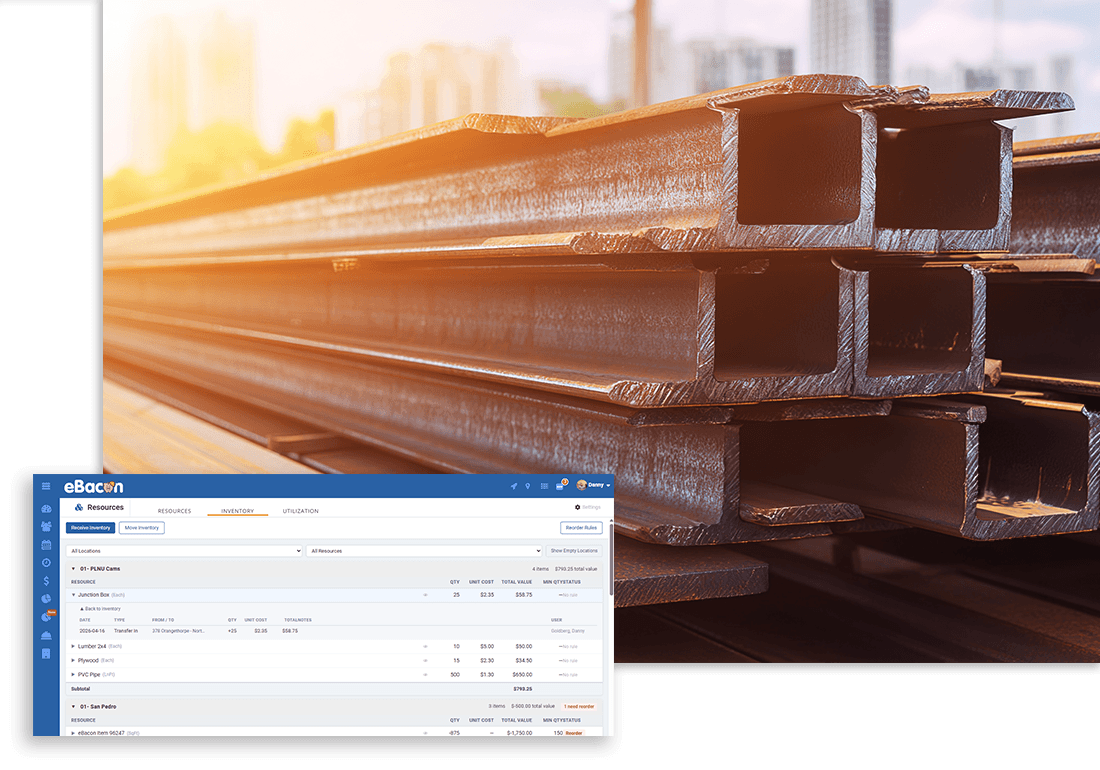
Materials
Know exactly what you have, where it's stored, and what it costs before it runs out.
Set up inventory items and storage locations once, then receive, move, and use inventory right from the field. Track receipts, transfers, and usage. Always have an accurate, real-time count and a full history to back it up.
+ Track quantities across warehouses, yards, trucks, or job site.
+ Automatically when it's time to reorder.
+ Budget materials by job.
+ Compare planned vs. actual usage.


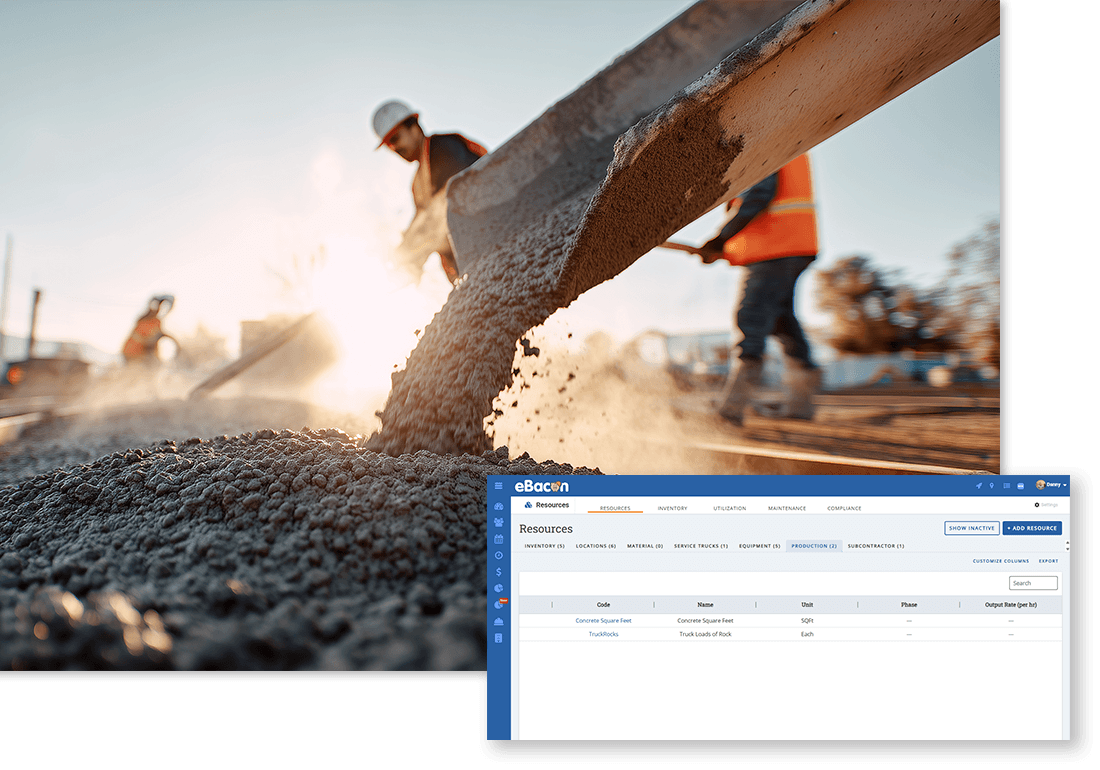
Production
Real-time tracking of resource utilization at each jobsite.
+ Track time for the project, task and cost code.
+ Record units of production and see inventory levels change based on material usage.
+ See where workers and equipment are physically located.
Stay on top of all your costs with precise resource tracking.
Limit resources to what's budgeted for a project, and only budgeted resources show up in the dropdown for users to select. No mystery line items, no surprise overage, and no one standing in a parking lot three weeks later trying to explain either one.